
When you “reply” to a patient call in your patient call folder (later converted to a “telephone encounter”, anything you say gets deleted and will NOT show up in the chart. Instead, right click the message, and selecr “encounter” then:
- Create a new note
- re-route to anyone on that comment thread
Do not use “reply to all”. IT is aware but may not be able to fix.
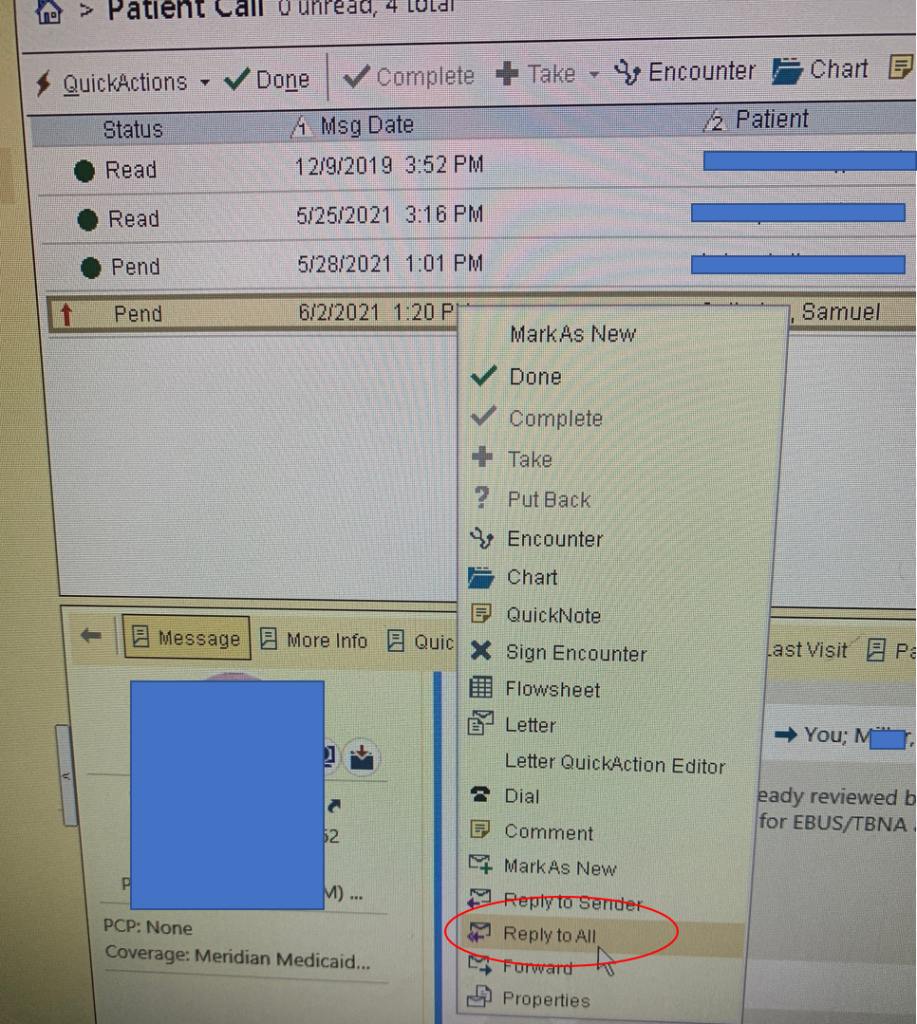
You can also use the QuickNote option. It will allow you to enter a note that will show up in the chart and route it via popup window. This saves you from having to enter the encounter.